i did cvar_restart > window mode > disenabled post processing from menu (might have been during full screen:DDD) > full screen > set r_mapoverbrightbits and r_overbrightbits to heigher values than 1 > r_vertexlight 1(not sure if overbrightbits creates wild lighting spots in r_vertexlight 0) > vid_restart
if you're looking to get brighter map, you're going to be limited to r_gamma (only configurable in windowed mode)
havent really bothered done any investigation around it, but i think its the disabled post process and increased overbrightbits
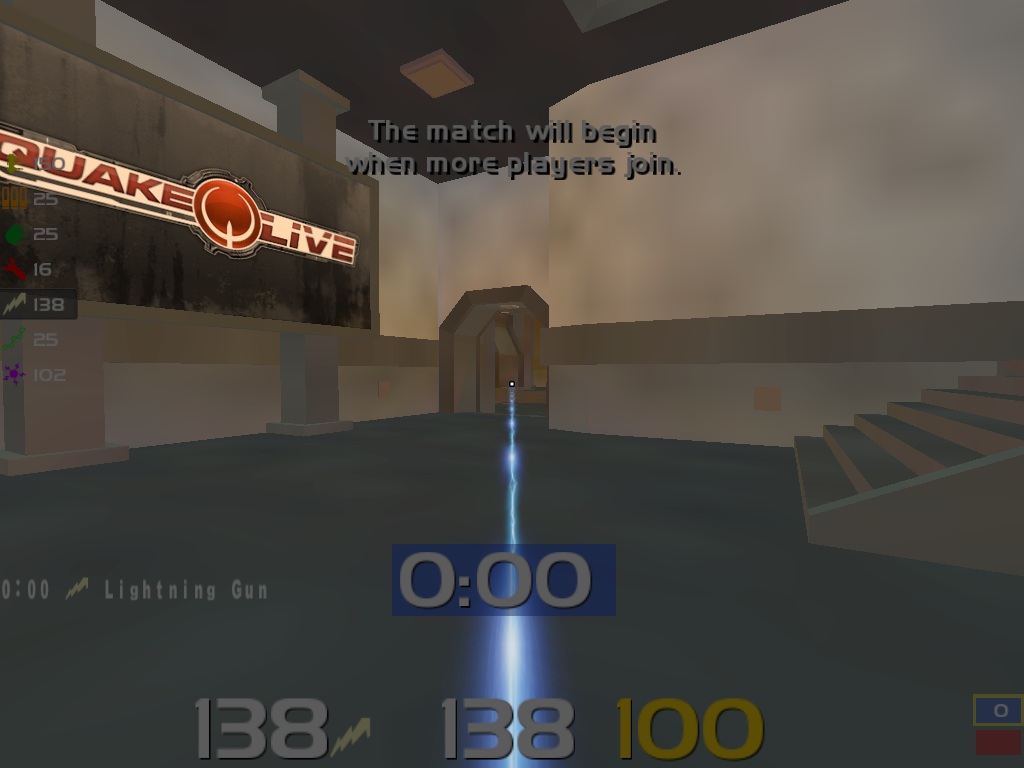
btw shaft can be made thinner by maximizing cg_fov and setting cg_zoomfov to your normal fov, r_texturemode "gl_linear" / r_texturemode "gl_nearest" or anistropic filtering to 16x.
anistropic filtering has the same effect on lightning beam without fucking up jumppads or fences, or other non-textures
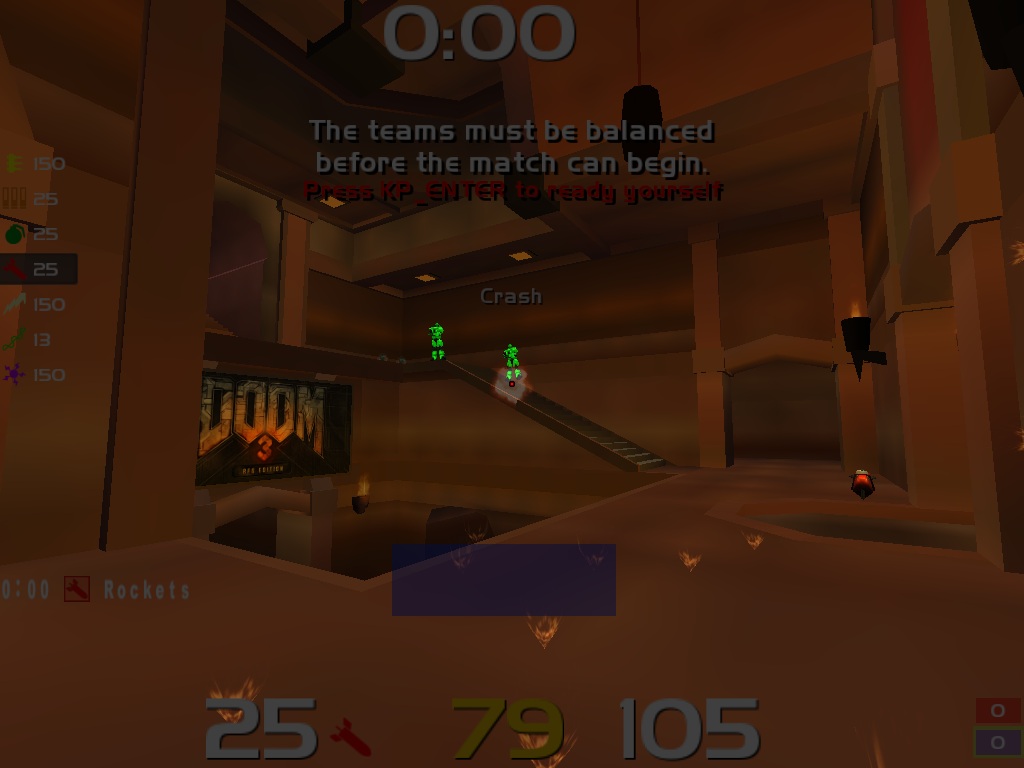
okay, if u want the explosions and lg beam without downloading my 41 kb repconfig: disable post process from the menu > set r_mapoverbrightbits and r_overbrightbits to 2 or higher.
Ye also make sure to reset settings before doing so otherwise it might not work, there is some other cvar that makes it working or not. And indeed in fullscreen it is superbright but then the splash are almost invisible.
Well then it doesnt work with my computer the same way, when its not in fullscreen indeed it is very dark but if you switch back to fullscreen with r_fullscreen 1 and then vid_restart, the map is very bright (i tried with mapobb 4 and obb 4, will try with only 2)
its somewhat bothering because it effects the hud, rest can be sorted with gamma and color saturation =) sitting of lots of options too, having a xl2420 =)
really love the colors of enemymodel in overbrightbits 2. never considered it before while using post process 1 because of the crazy lighting spots


![shaftwhores only by [EXE]dann](/files/avatars/2007/51852-shaftwhore.gif "shaftwhores only by [EXE]dann")




 0x5f3759df


EXPOSED